

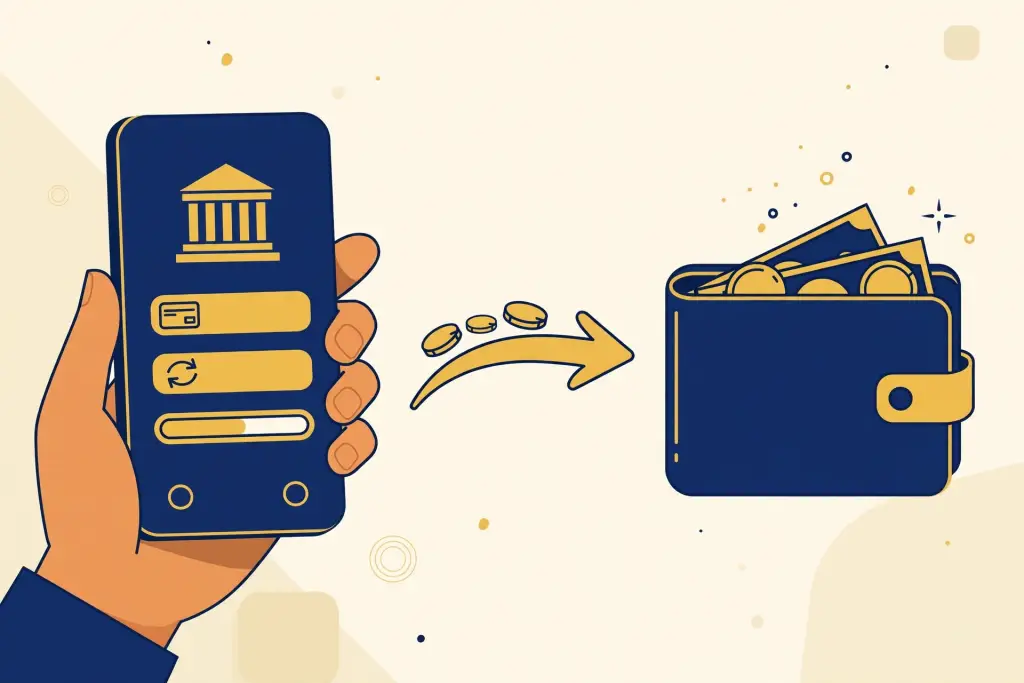
If you bank with Maybank, CIMB, Public Bank, or any other major Malaysian bank, FPX is probably the fastest way to top up your Winbox account. It works directly through your bank’s online portal — no e-wallet needed, no trips to the bank, and the funds usually land in minutes.
This guide walks you through the whole process, from picking FPX on the cashier page to confirming your deposit went through.
What Is FPX?
FPX (Financial Process Exchange) is Malaysia’s national online banking payment network, run by PayNet. Instead of paying with a card, FPX sends you to your own bank’s website or app to approve the transfer. Because the authorization happens inside your bank’s own system, FPX transfers carry the same security as logging in to do internet banking yourself.
Most Malaysian banks support FPX, including:
- Maybank
- CIMB Bank
- Public Bank
- RHB Bank
- Hong Leong Bank
- Bank Islam
- UOB Malaysia
- Alliance Bank and most other local banks
Why Choose FPX Over Other Deposit Methods?
- No third-party app needed. You don’t have to install an e-wallet or keep it topped up.
- Direct from your bank account. The money leaves your savings or current account and arrives in your Winbox wallet in one step.
- Familiar security. Approval happens on your bank’s own platform, with the same TAC/OTP flow you already use for online banking.
- Usually credited within minutes. FPX is designed for near-instant transfers during the bank’s operating window.
Minimum deposit amounts and any processing fees are set by Winbox and can change — check the official site for the latest terms before you deposit.
How to Deposit on Winbox with FPX: Step by Step
Step 1 — Log in to Winbox
Open Winbox from the official domain and sign in to your account. If this is your first time, create an account first — the registration takes only a few minutes.
Step 2 — Go to the Deposit (Cashier) Page
From the main menu, tap Deposit or Wallet to open the cashier. You’ll see a list of supported payment methods.
Step 3 — Select FPX / Online Banking
Choose FPX (it may also be labelled "Online Banking" or "Bank Transfer"). Then select your bank from the list — Maybank, CIMB, Public Bank, and the rest all appear here.
Step 4 — Enter the Amount
Type in how much you want to deposit. Double-check the number before continuing — some players type an extra zero by mistake. Again, minimum and maximum limits apply; the cashier page shows the current figures.
Step 5 — Approve on Your Bank’s Page
Winbox will redirect you to your bank’s online banking login. Sign in as you normally would and authorize the payment. Never enter your banking credentials anywhere except your bank’s genuine site — check the URL carefully.
Step 6 — Confirm the Deposit Landed
After approval, you’ll be sent back to Winbox. Your wallet balance should update within a few minutes. Take a screenshot of the confirmation as a backup.
Deposit Not Credited? Try These Fixes
- Wait 10–15 minutes. Occasional delays happen during bank maintenance windows.
- Check whether your bank debited you. If the amount left your account but never reached Winbox, keep the transaction reference from your bank statement.
- Confirm you didn’t close the browser mid-payment. Closing the window before the redirect finishes can leave a deposit stuck.
- Contact support with your reference number. Winbox customer support can trace a transfer if you give them the bank reference, the amount, and the time of payment.

Safety Tips for FPX Deposits
- Only deposit through Winbox’s official domain. Fake lookalike sites are the most common way players lose money — a few seconds checking the URL can save you a lot of trouble.
- Never share your bank TAC/OTP with anyone, including anyone claiming to be "support staff."
- Use your own device and network. Avoid making banking approvals on public Wi-Fi or shared computers.
- Set a session timeout on your bank app so an unattended phone doesn’t stay logged in.
FPX vs DuitNow vs E-Wallet: Quick Comparison
- FPX is best when you want to deposit straight from your bank account without extra apps.
- DuitNow works well for fast, smaller top-ups straight from mobile banking.
- E-wallets (Touch ‘n Go, GrabPay, etc.) suit players who already keep a balance in their wallet apps.
All three are solid choices — pick whichever one you use most comfortably in daily life.
Final Thoughts
FPX keeps things simple: pick your bank, approve the payment in your own banking app, and your Winbox balance updates within minutes. If your bank ever changes its FPX flow, check the official site for the latest terms and updated deposit instructions.
Play responsibly: set a budget before you start, take regular breaks, and never chase losses. If gaming stops being fun, step away — Winbox offers responsible-gaming tools, and you should only play what you can afford to lose.