

If you play on Winbox Malaysia, the fastest way to get funds into your account is DuitNow. It’s instant, available 24/7, and you can do it straight from the banking app you already use every day. This guide walks you through the whole process step by step, plus what to do when something doesn’t go as planned.
Why DuitNow Is the Most Popular Deposit Method on Winbox
Most Malaysian players top up with DuitNow for three simple reasons: speed, convenience, and zero learning curve. Transfers are processed in real time, even at 3am on a public holiday, and you don’t need to install anything new — any bank app or e-wallet that supports DuitNow works. Compared with manual bank transfers that need receipt uploads and waiting, DuitNow cuts the whole thing down to about a minute.
What You Need Before Depositing
Get these three things ready first and the rest is smooth:
- A registered Winbox account. If you haven’t signed up yet, registration is free and takes about 30 seconds.
- A Malaysian bank account or e-wallet with DuitNow transfer enabled. Maybank, CIMB, Public Bank, Touch ‘n Go eWallet — all support it.
- Matching names. Make sure the name on your bank account matches the name on your Winbox account. It keeps deposits smooth and is required later for withdrawals.
Step-by-Step: How to Deposit with DuitNow
Step 1: Log in and open the Deposit page
Sign in to your Winbox account on the official site or app, then tap Deposit (usually in the wallet or cashier section).
Step 2: Select DuitNow
You’ll see several payment options — DuitNow, FPX, Touch ‘n Go, USDT and others. Choose DuitNow.
Step 3: Enter your deposit amount
Type in how much you want to top up. The minimum and maximum limits are shown right on the deposit page, so just follow what’s displayed there.
Step 4: Complete the transfer in your banking app
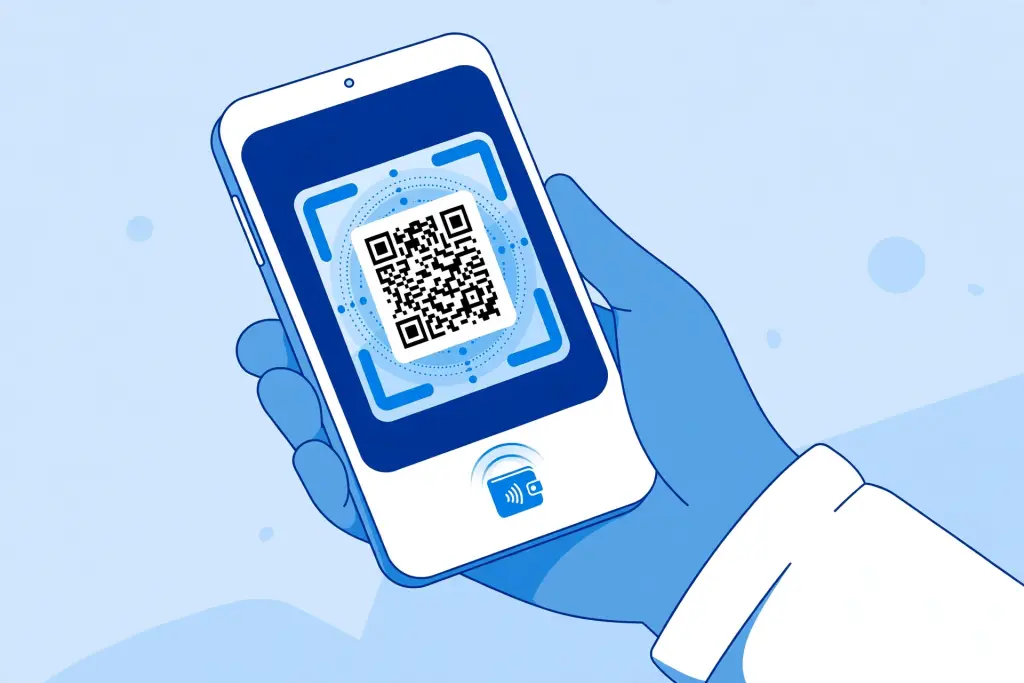
Winbox will show you the DuitNow recipient details or a QR code. Open your bank app, scan or enter the details, double-check the amount, and authorize the transfer.
Step 5: Confirm and wait for the credit
Go back to Winbox and confirm the deposit. In most cases the funds appear in your Winbox wallet within a few minutes — often faster.
How Long Does a DuitNow Deposit Take?
ake?
DuitNow transfers are real-time by design, so deposits are usually credited within minutes. During peak hours or bank maintenance windows it can occasionally take a little longer. If your balance hasn’t updated after a reasonable wait, don’t send a second transfer right away — check the troubleshooting tips below first.
Deposit Not Showing Up? Try This
- Check the amount and recipient. A single wrong digit means the money went elsewhere or the transfer failed silently.
- Don’t reuse old payment details. DuitNow recipient info or QR codes shown on the deposit page can change — always use the ones displayed for your current deposit.
- Keep your transaction receipt. A screenshot of the successful transfer is the fastest way for support to trace it.
- Contact 24/7 live support. Winbox has round-the-clock live chat (plus Telegram and WhatsApp). Send them your transaction receipt and username and they’ll sort it out.
Other Ways to Deposit on Winbox
DuitNow isn’t the only option. Depending on what you prefer:
- FPX online banking — pay directly through your bank’s online portal.
- Touch ‘n Go eWallet — handy if you already keep balance in TNG.
- USDT (TRC20) — for players who prefer crypto, with fast on-chain settlement.
All methods are processed through the same cashier, so pick whichever you’re most comfortable with.
Safety Tips for Every Deposit
- Only ever deposit through the official Winbox site or app — beware of lookalike pages.
- Never share your OTP or login password with anyone, including people claiming to be support.
- Keep each transaction receipt until the funds show in your wallet.

A Quick Note on Playing Responsibly
Set a budget before you deposit and treat gaming as entertainment, not income. An easy top-up flow is convenient — which is exactly why it’s worth deciding your limit before you start, not after.