

Touch ‘n Go eWallet Deposit & Withdrawal on Winbox: A Simple Guide for Malaysian Players
Touch ‘n Go eWallet is one of the most familiar payment tools in Malaysia. Many Malaysians already use it for tolls, parking, shopping, and food delivery, so it is a natural choice for topping up a Winbox account too. This guide explains how Touch ‘n Go deposits and withdrawals on Winbox generally work, what to check before you pay, and how to fix the most common problems.
Why Players Choose Touch ‘n Go
The main appeal is convenience. Most users already have the app installed, their e-wallet balance is easy to check, and transfers are usually completed in minutes rather than days. There is no need to visit a bank branch or an ATM, and you can top up from your phone wherever you are.
That said, payment options, limits, and processing times can change. For the latest terms, supported methods, and any fees, check the official site for the latest terms before you make a transaction.
How to Deposit on Winbox with Touch ‘n Go
The exact screens may vary slightly with app updates, but the flow is usually similar:
- Log in to your Winbox account and open the deposit or cashier section.
- Choose Touch ‘n Go eWallet as your payment method.
- Enter the amount you want to deposit. Double-check the amount before you confirm, since a wrong digit is the most common cause of confusion.
- Follow the on-screen instructions to complete the payment in your Touch ‘n Go eWallet app. This may involve scanning a QR code or confirming the payment inside the app.
- Wait for the confirmation, then check your Winbox balance. Most deposits reflect quickly, but allow a little extra time during peak hours or bank maintenance windows.
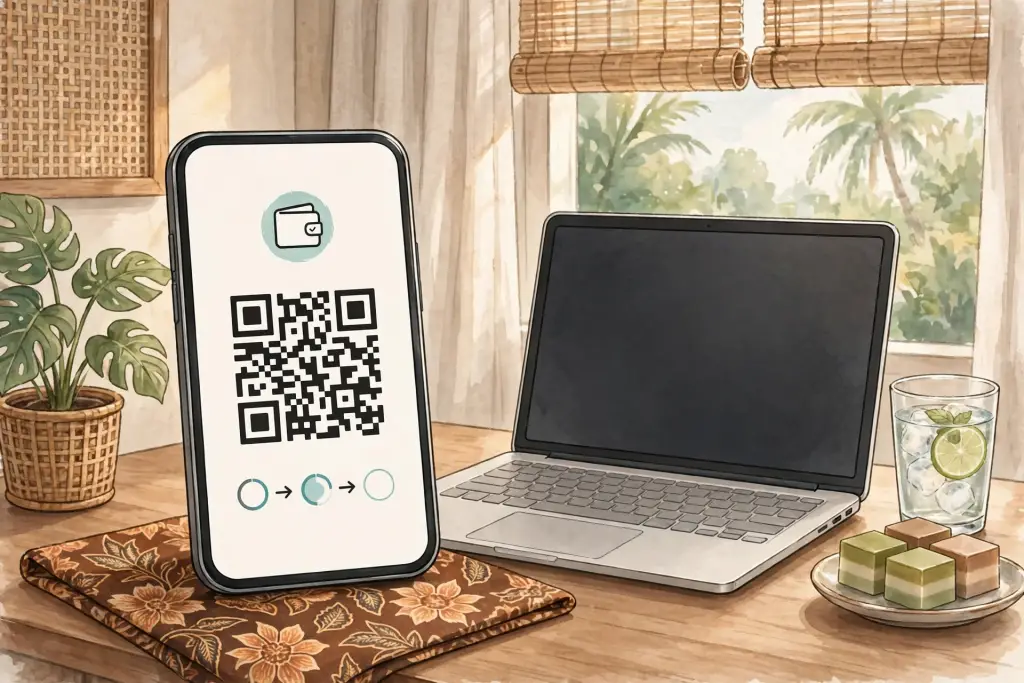
A few practical tips make deposits smoother. Make sure your Touch ‘n Go eWallet has enough balance before you start, including any small buffer for rounding. Use a stable internet connection, and do not close the app or refresh the page in the middle of a payment. If you are unsure about a step, stop and check the official instructions rather than guessing.
How to Withdraw to Touch ‘n Go
Withdrawals usually work in reverse:
- Open the withdrawal section of your Winbox account.
- Select Touch ‘n Go eWallet as the payout method.
- Enter the amount you want to withdraw and confirm the e-wallet details carefully. A wrong account detail is one of the most common reasons a withdrawal is delayed.
- Submit the request and wait for processing. Processing times vary depending on verification status, the amount, and the time of day, so check the official site for the latest terms on current withdrawal times.
Keep your account details up to date. If you have recently changed your phone number or e-wallet account, update your Winbox profile first, since mismatched details can slow down a payout.
Limits, Fees, and Timing: What to Check First
Minimum and maximum deposit and withdrawal amounts, any service fees, and expected processing times are set by the platform and can change over time. This guide deliberately does not quote fixed numbers, because a number that is correct today may be outdated tomorrow. Before your first transaction, check the official site for the latest terms, and confirm the limits shown on the deposit and withdrawal screens themselves.
If a promotion is tied to a Touch ‘n Go deposit, read its conditions separately. Turnover requirements, eligible games, and expiry dates all matter, and they are not the same for every offer.
Deposit Not Credited? Try These Steps
If your balance has not updated, work through this checklist before worrying:
- Confirm the payment actually completed in your Touch ‘n Go eWallet transaction history.
- Check that the amount and the receiving details match what Winbox asked for.
- Wait a short while, then refresh your Winbox balance. Some transactions take a few minutes to appear.
- Keep a screenshot of the successful payment, including the transaction reference, amount, and time.
- If the payment is still missing after a reasonable wait, contact Winbox support through the official channels, such as Telegram @wbxmalay, and share the screenshot and reference. Never share your account password with anyone, including support staff.
Staying Safe with E-Wallet Payments
Only use the official Winbox site and app links, and be wary of lookalike pages or unofficial APK files that ask for payment details. Never send money to a personal bank account or e-wallet number given to you in a chat message unless it is shown inside the official deposit flow. Set a transaction PIN or biometric lock on your Touch ‘n Go eWallet app, and review your transaction history regularly.
Is Touch ‘n Go Right for You?
Touch ‘n Go suits players who already use the e-wallet daily and want a familiar, phone-first way to move money. If you prefer bank transfers, DuitNow, FPX online banking, or other e-wallets, Winbox generally offers several alternatives, so choose the method whose limits and timing fit you best. The best payment method is the one you understand and can track easily.
Final Thoughts
Touch ‘n Go keeps deposits and withdrawals simple for Malaysian players, as long as you double-check amounts, confirm details, and keep proof of each payment. Start with an amount you are comfortable with, learn the flow once, and future transactions will feel routine.
Play responsibly and within your means. If entertainment stops being fun, take a break and seek support.